
Define what attendance should record
Before replacing a register, decide what your agency needs to record: the assigned person, duty location, working period and check-in time. Explain how the record will be reviewed and who can correct it. Digital attendance is most useful when everyone shares the same understanding of what a check-in means. It should support a clear process rather than simply move an unclear one onto a phone.
Prepare guards for verification
Show the guard team how face and location verification fit into the check-in routine. Explain what information is collected and the purpose of the process. Use the service documentation and your organisation’s notices to confirm access and retention arrangements. Allow questions during training so supervisors can identify practical difficulties before the first live shift.
Plan for missing or incorrect entries
Agree on a fallback for low battery, connectivity problems or a failed verification. Guards need a way to notify the supervisor promptly. A missing digital entry should trigger a review, with the explanation recorded where the responsible team can find it. Do not automatically treat every technical difficulty as an absence or use an unexplained record as the only basis for a staffing decision.
Review a complete duty period
Compare assigned shifts with recorded check-ins at a consistent time. Ask whether missing entries share a cause, such as unclear instructions or a device problem at one site. Discuss findings with the supervisor before sharing a client summary. A useful attendance report makes exceptions understandable and identifies what the agency has done to follow up.
Introduce changes gradually
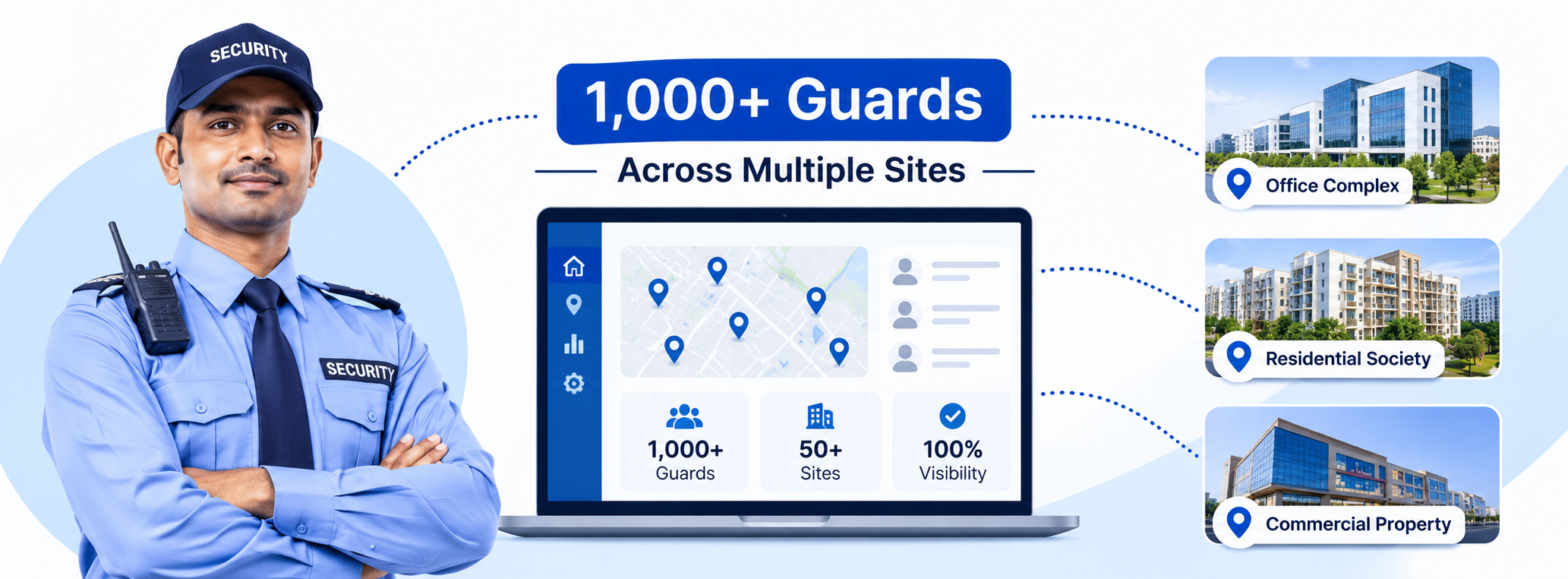
Start with a site that has an available supervisor and a familiar shift pattern. Keep the initial routine simple, then review it before adding more properties. MyWatchman brings face and GPS check-in records into the wider agency view, alongside patrol and reporting workflows. In a demo, ask to see both a normal check-in and the review of an exception.