1. A clear record of attendance
Look for a check-in workflow that records the person, time, and location. Ask how supervisors review corrections and how guards report problems. During a demo, walk through a normal shift and a shift with a missing or incorrect record.
2. Patrol checkpoint records
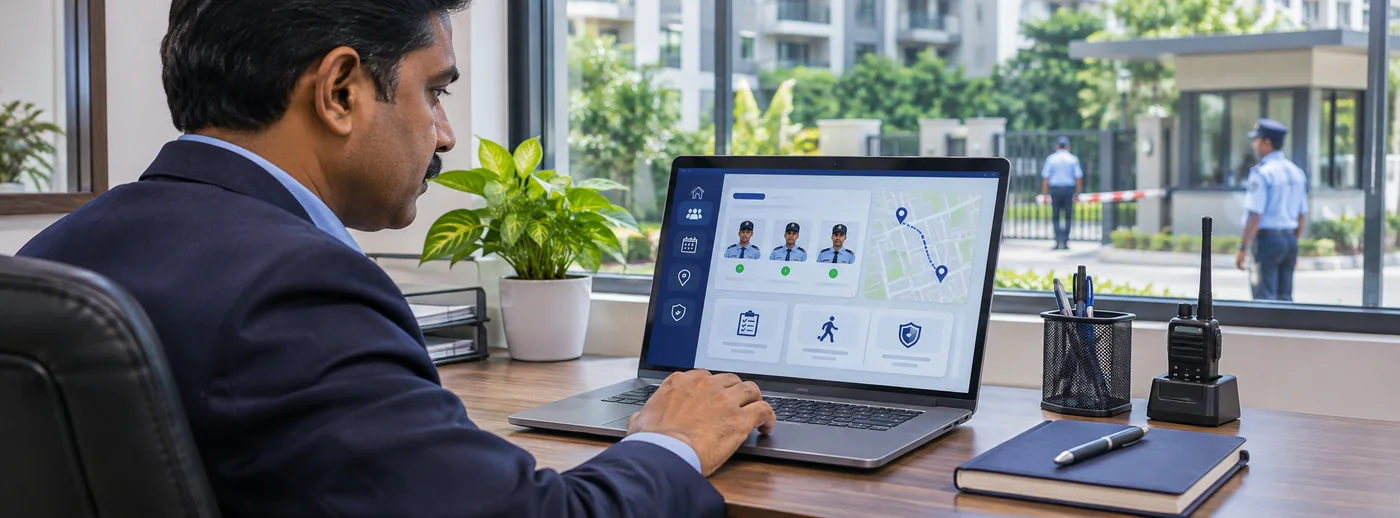
Your software should make it easy to assign patrol points and review recorded visits. Check how a supervisor notices a missed checkpoint and records a response. Keep the checkpoint routine practical for the property and the team.
3. A view across locations
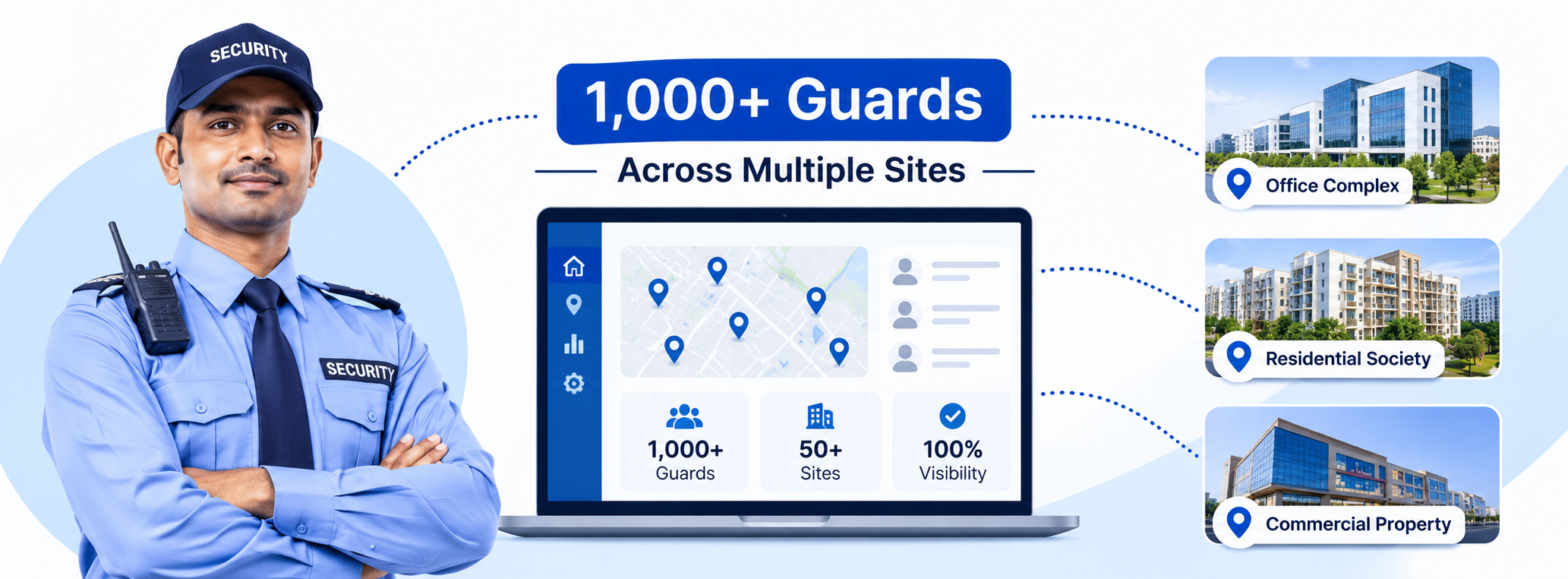
An owner needs an agency overview, while a supervisor needs the detail for assigned sites. Try switching between locations during the demo. Review whether guards, shifts, and activity remain easy to understand as more sites are added.
4. Incident reporting
Give guards a simple way to record what happened and where. Ask how a supervisor receives the update and follows up. Agree internally who is responsible for reviewing incidents so that reporting leads to action.
5. Useful client reports
Choose reports that answer your clients’ actual questions. A clear summary of attendance, patrol records, incidents, and follow-up is easier to use than a dashboard full of unexplained figures. Review an example report with the team before adopting a new workflow.
6. Shift assignments
Check how the team sees the working hours and location assigned to a guard. Walk through a change of post or a replacement guard so supervisors understand how the record stays connected to the shift.
7. Supervisor responsibilities
Confirm who reviews each site and who follows up when an entry is missing. Different roles should receive useful information without depending on the owner to interpret every update.
8. Reviewable corrections
Ask how an incorrect entry is corrected and whether the explanation remains accessible to the responsible team. Attendance discussions are clearer when the records behind a summary can be reviewed.
9. Device and connectivity behaviour
Try the routine on the devices guards will use. Ask what happens without connectivity, when a permission is denied or when the phone battery is low. Confirm the fallback process instead of assuming offline support.
10. Onboarding and support
Discuss who trains the guard team, what help supervisors can access and how you will introduce new sites. Include support and rollout arrangements when comparing subscription proposals.