Begin with the property’s duty plan
List the locations a guard needs to visit and the purpose of each visit. A patrol route should reflect the actual layout, access restrictions and duty expectations at the property. Discuss the plan with the site manager and guards. Adding many checkpoints without a clear reason can make records harder to review while taking attention away from the tasks the patrol is meant to support.
Make checkpoints understandable
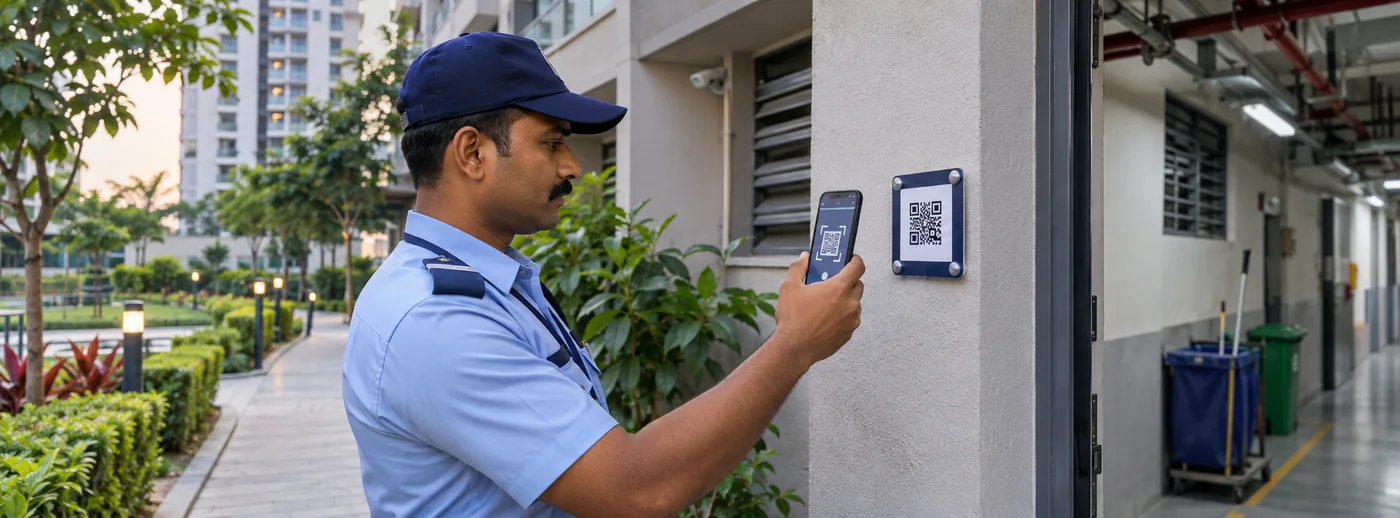
Label each checkpoint clearly and explain how a visit is recorded. When QR codes are used, place them where the assigned guard can access them during the agreed round. Walk the route with the team before starting. Confirm the action to take when a code is missing, damaged or cannot be scanned, and make sure the supervisor knows how to recognise that exception.
Record incidents alongside rounds
A completed checkpoint visit should not prevent a guard from reporting an issue encountered on the route. Explain which situations require immediate escalation and which can be recorded for later review. The reporting tool supports the process, but the site still needs clear instructions about who responds. Keep those responsibilities visible in the duty plan and supervisor handover.
Review missed visits with context
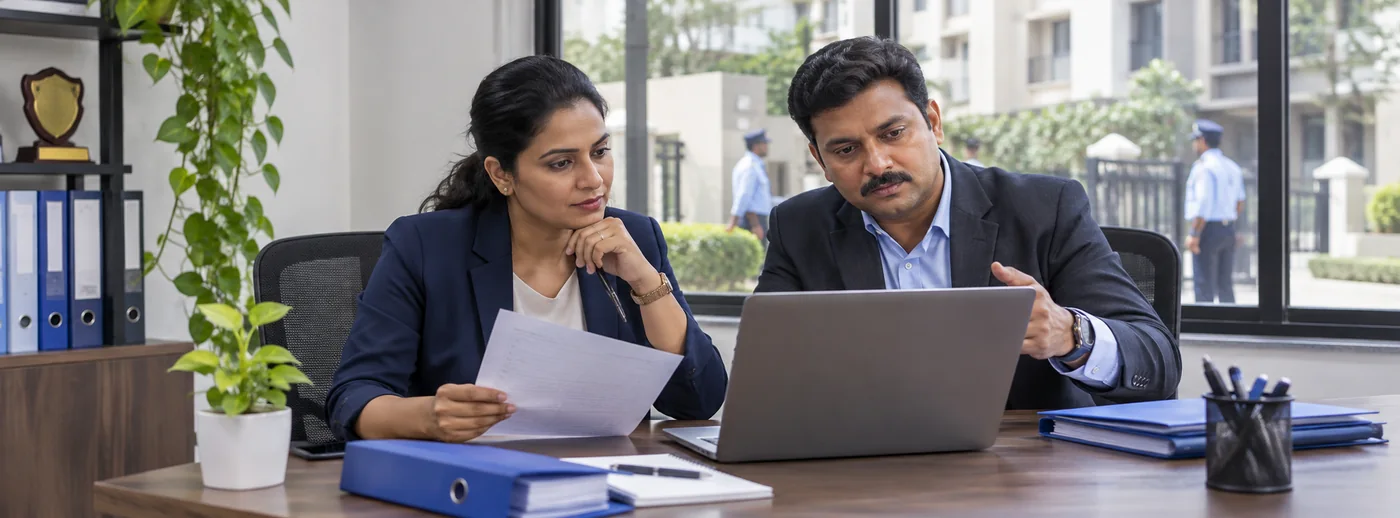
Compare the assigned routine with recorded checkpoint visits. Ask what happened when a visit is missing, and read incident reports from the same duty period. A guard may have been redirected to another task, or the recording process may have failed. Document the explanation and any action taken so the client review contains a useful account of the shift.
Improve the plan over time
Review whether the route and timing remain practical when site conditions change. Look for recurring gaps that suggest unclear instructions or a checkpoint problem. MyWatchman lets guards record assigned QR checkpoint visits for supervisor review. A product walkthrough should include the normal round, a missing record and the way a supervisor follows up.